
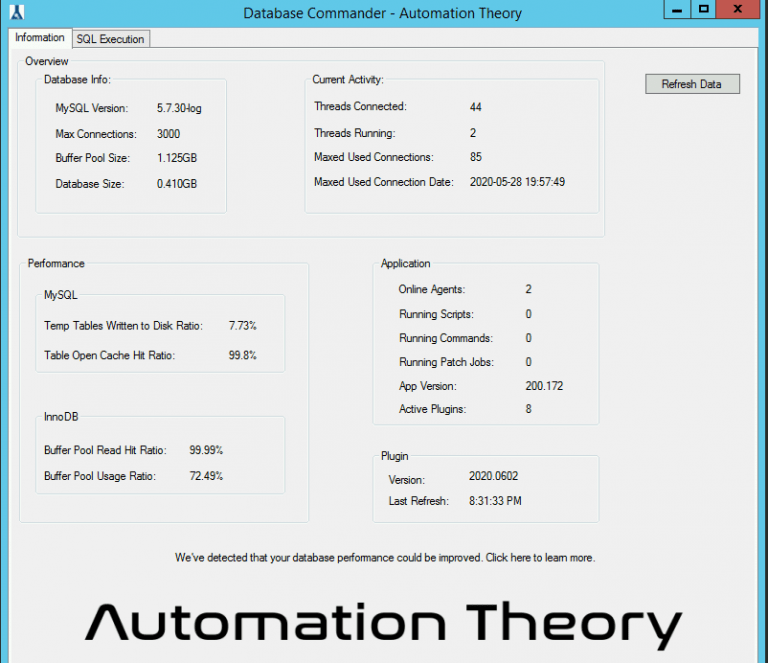
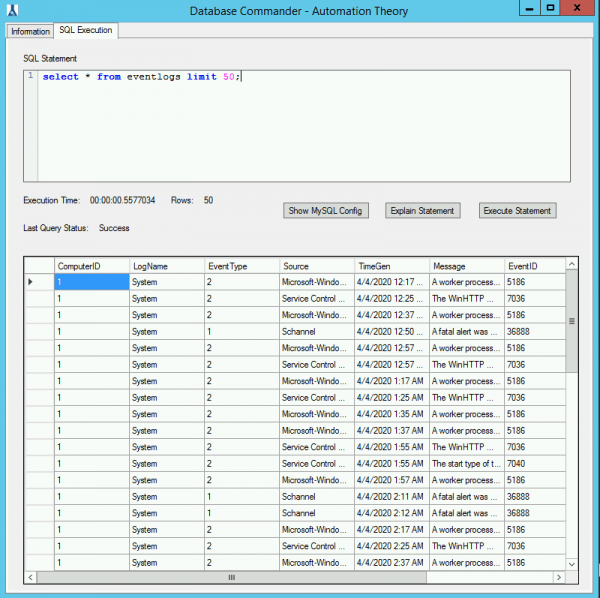

Databse Commander does exactly what it says. Very easy to use and safe. I’ve learnt alot using it. The type ahead/popup of the tables is nifty. Perhaps right click paste would be a good option otherwise excellent product. Thank you Jeremy!

This is a must-have for anyone that has a hosted instance of Automate. It unlocks a lot of capabilities that otherwise would be extremely challenging or impossible.
A great plugin for something that should exist within the default application. One improvement would be a way to browse the tables in a tree view.
Being used to on-prem Labtech (Automate) when my company decided to switch over to CW hosted one of my biggest gripes was losing direct mySQL access. For over a year I’ve been able to ‘get by’ but when a coworker told me about this plugin I immediately installed it. Thanks to Jeremy’s help (run Automate as admin, of course!) I am now whole again and can finally fix some broken dataviews. Thank you for all you do Automation Theory!
It works but it’s pretty bare bones. It would get another star and a half if you could show the error output into the results console. A button for exports in addition to the hot key would be nice. Being able to resize the query window would also be cool. From what I can tell it doesn’t support sub queries? ..but since I can’t see the error output who knows. I do appreciate the work you have put into the tool though.